
Organization
Aliases
Account branding and communication themes.
Create branded identities for customer communications.
Quick Overview: Create aliases with custom names, logos, and email addresses to send quotes and emails under different brand identities.
How Aliases Work
Aliases let you send quotes and emails under different brand names. Each alias can have:
| Setting | Description |
|---|---|
| Name | Name used in communications; replaces the company name |
| By default | The alias used when no specific theme is configured |
| Theme logo | Logo used in emails and documents |
| Contact email for the alias |
Managing Aliases
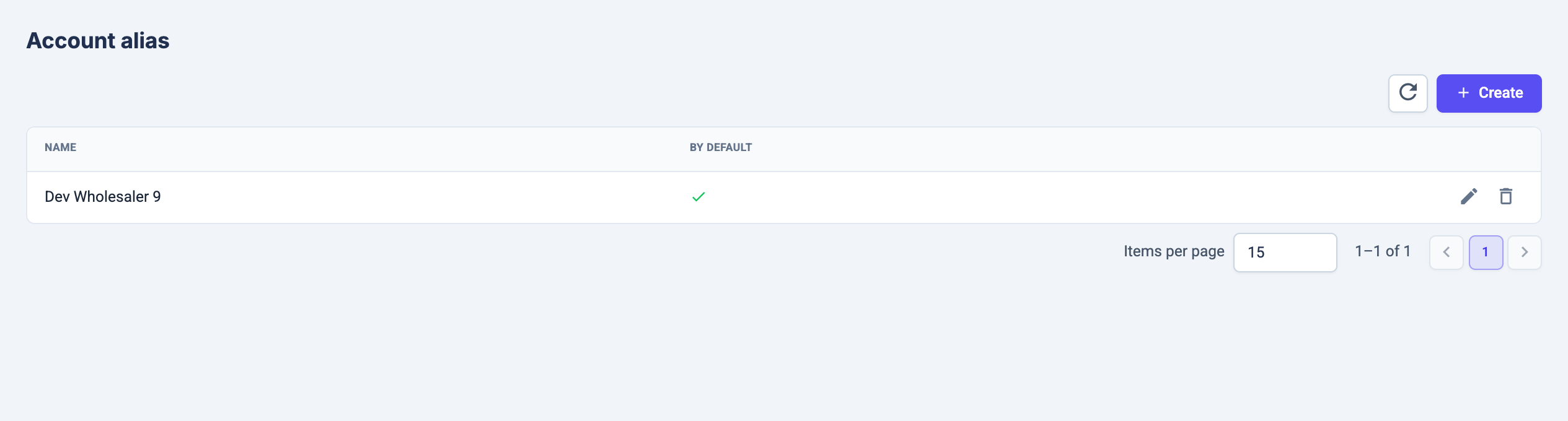
Navigate to Settings > Account alias to:
- Create new aliases
- Upload theme logos
- Set the default alias
Message Content
Each alias can customise quotes and order emails, SMS texts, and WhatsApp messages. The content is grouped as Quotes (Email), Recover quotes (Email), Orders Receipt (Email), Quotes (SMS), Recover quotes (SMS), and Quotes (WhatsApp).
SMS templates show a live character counter and warn when the text is too long.
Using Aliases
When creating quotes or sending emails:
- Select which alias to use
- Recipients see that alias's branding
- The default alias applies when no specific alias is set
Users can have a specific alias assigned in their profile, overriding the default.