Organization
Branches
Manage warehouses and physical locations.
Configure your organization's warehouses to enable location-based order routing and regional reporting.
Quick Overview: Branches represent your warehouse locations. They determine which stock is available and how sales are grouped in reports.
Branch Settings
Each branch can have:
| Setting | Description |
|---|---|
| ID | Warehouse identifier from your source system |
| Name | Warehouse name |
| Company | Company the warehouse belongs to |
| Company source-system ID | Company identifier from your source system |
Branch Impact
Branches affect:
- Order routing and fulfillment
- Stock availability checks
- Sales reporting by location
- Warehouse priority rules
Managing Branches
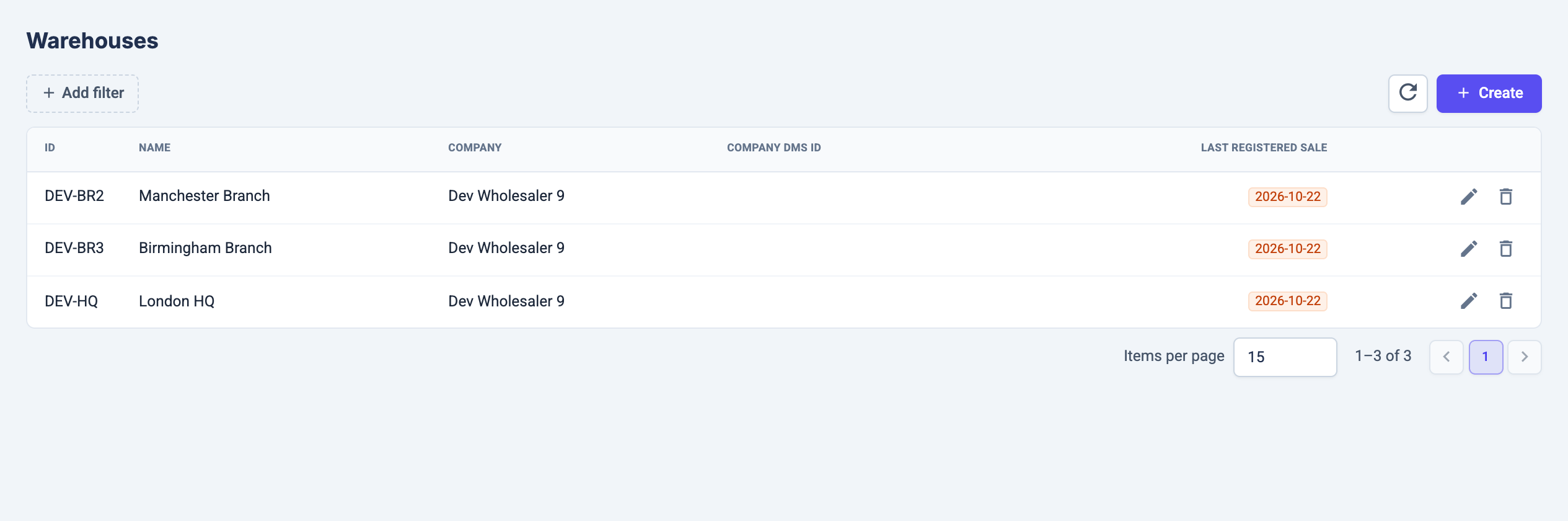
Navigate to Settings > Branches. The page title is Warehouses.
From the list you can:
- View all locations
- Edit branch details
- Configure branch-specific settings
If organizational units are enabled, the list adds a Unit column. Use Change unit… in the row actions to move a warehouse to another unit.